
Recording spaces
What to listen for, what to measure, and how to choose a space that suits your recording setup.
FocusPod guide · Updated 19 October 2026
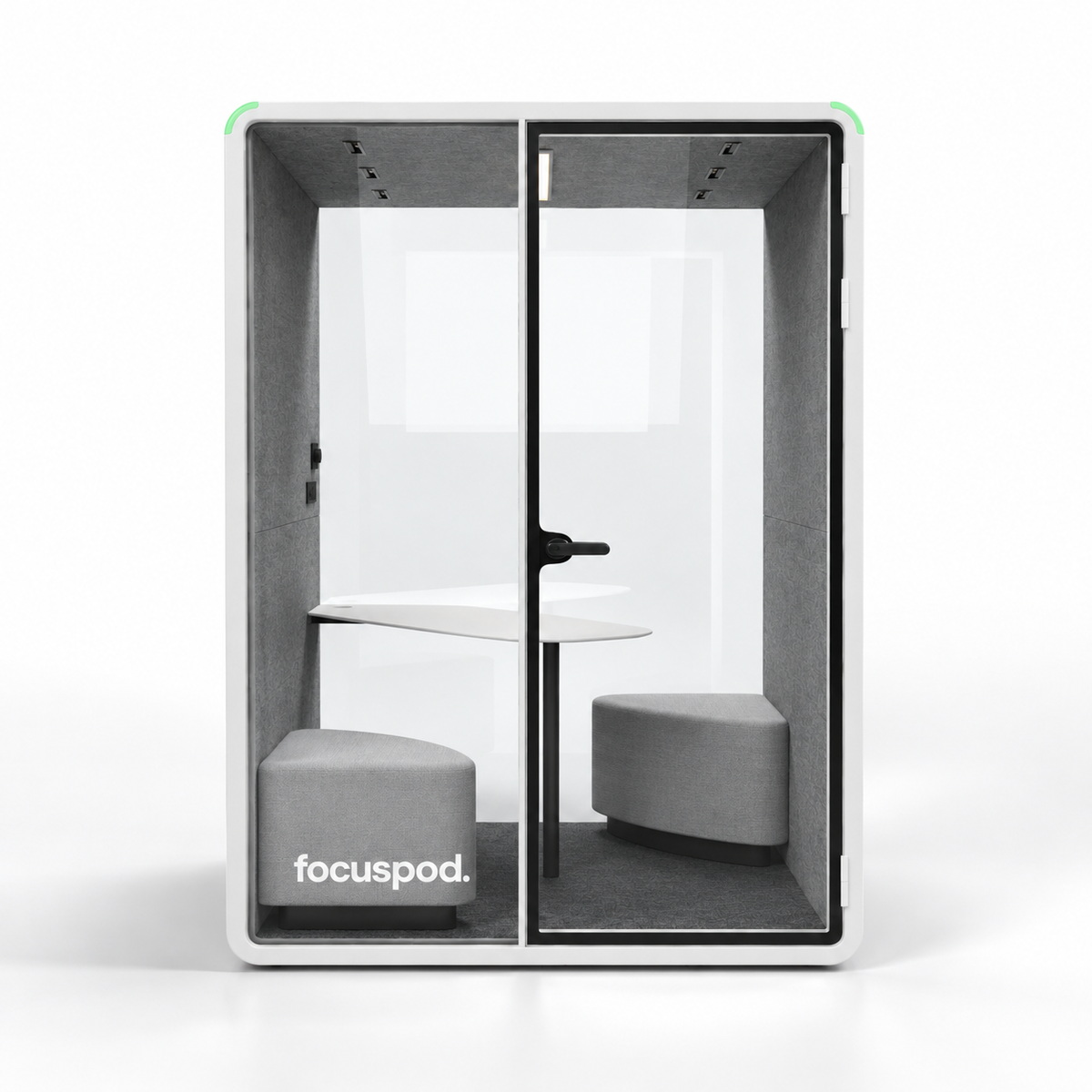
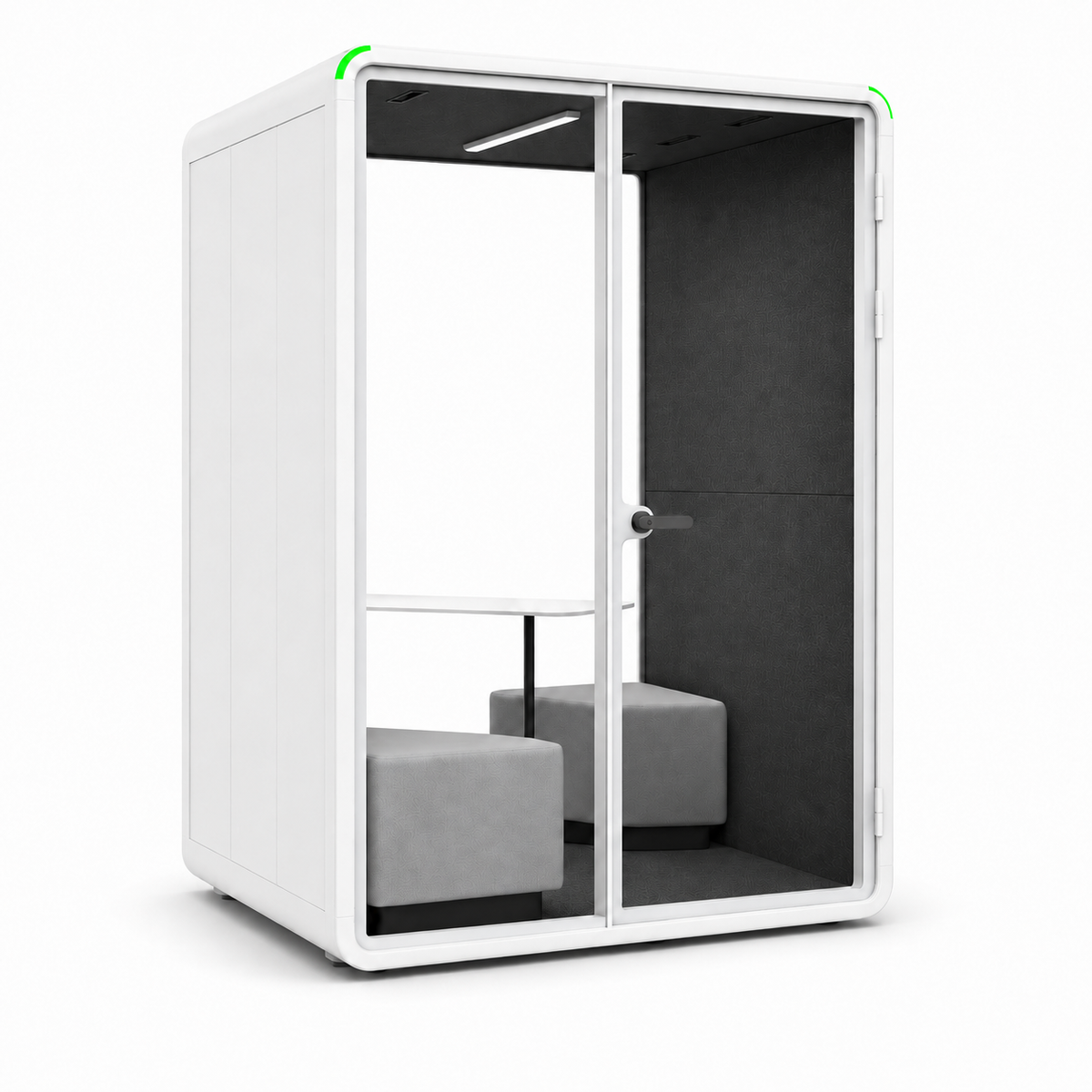
An office pod can be a useful space for spoken-word podcasting, remote interviews and voice recordings—but its suitability depends on what your microphone captures inside it. Check external noise, reflections, ventilation noise and room for your equipment before choosing a booth. A speech-privacy specification alone does not establish recording quality.
If your team needs a regular place to record without taking over a meeting room, an indoor acoustic pod is worth assessing. Here is how to decide whether it suits your podcast, and what to test before ordering.
What makes a good podcast booth?
Start with three separate questions: how much outside sound enters, how your voice sounds inside, and what background noise the equipment produces. A booth can perform well for office conversations while still picking up an audible fan or reflections on a sensitive microphone.
- Sound isolation: listen for conversations, traffic, doors and nearby machinery entering the recording.
- Room sound: listen for a hollow or reflective quality around your voice.
- Background noise: listen for ventilation, laptops, lights and equipment during pauses.
For a broader explanation of booth acoustics, read our soundproof booth guide. For podcasting, the final check should be a recording made with your intended equipment.
Test the microphone before choosing the room
Use the microphone you expect to record with, at its normal working distance. A microphone placed close to the speaker can capture more direct voice relative to room reflections and background noise. Shure explains this relationship in its podcasting microphone guide.
For an interview, plan a microphone for each speaker and confirm that your recorder or interface supports the inputs you need. Check the space occupied by stands, cables and headphones as well as the people. A table that works for a short meeting may feel crowded once recording equipment is on it.
Do an initial test without noise suppression or automatic audio enhancement. That helps you hear the actual room and equipment before deciding what processing you need.
Ventilation needs to stay part of the test
Record with the ventilation running at the setting you will use during a session. A quiet sample made with the fans switched off does not show how the booth will work for an occupied interview.
The manufacturer's specification for the FocusPod Duo lists adjustable airflow of 0–110 m³/h. This is an airflow figure, not a fan-noise measurement or a guarantee of recording quality. Check the current ventilation information and ask about the exact configuration you are considering.
Include a realistic session length in your assessment. Two people, laptops and recording equipment change the experience compared with stepping into an empty booth for a minute. Keep air inlets and outlets clear when arranging your setup.
How much space does a podcast setup need?
Occupancy and production space are different things. A two-person pod may suit two speakers, but camera tripods, larger microphones and a producer can require a larger model. Sketch your layout using the internal dimensions.
| Model | Exterior | Interior | Layout to assess |
|---|---|---|---|
| Solo Plus | 1600 × 1375 × 2338 | 1462 × 1335 × 2146 | One speaker with a desk and recording equipment |
| Duo | 1600 × 1375 × 2338 | 1462 × 1335 × 2146 | Two speakers with a compact audio setup |
| Meet | 2300 × 1785 × 2338 | 2162 × 1745 × 2146 | A larger equipment layout or video interview |
Solo Plus and Duo share the same shell dimensions; their intended furniture layouts differ. These are models to assess, not certified podcast-studio configurations. Allow room for chairs, microphone movement, door access and cables. Check the full product specifications before finalising your plan.
For video podcasts, check the camera view too
Place your camera at the intended distance and frame both speakers before committing to a model. Check whether the lens gives you the shot you want without putting the camera in the doorway. Look for reflections in the glass and make a sample clip with your planned lighting.
Standard office lighting may be adequate for a call, but a filmed interview has its own requirements. Include any additional lighting, its stand and its power needs in the layout. Keep the exit and ventilation unobstructed.
A practical recording test before you buy
- Bring a familiar script. Record the same short passage with the microphone and settings you normally use.
- Use realistic conditions. Close the door, run ventilation normally and include the laptops or other equipment you expect to use.
- Record some silence. Leave a pause so you can hear the background sound without speech covering it.
- Try the interview layout. Have both speakers talk, turn their heads naturally and move their chairs. Listen for handling noise and voice pickup from the other microphone.
- Listen back on headphones. Compare the raw sample with a recording from your current space. Decide whether the improvement meets your own production needs.
- Check comfort and access. Spend enough time inside to assess your intended session, and confirm that the complete setup fits.
Ask what demonstration or sample-recording arrangements are available before ordering. A product image or acoustic rating cannot replace that listening check.
What to include in your budget
Separate the pod from the recording system. Plan for furniture, microphones, mounts, headphones, an interface or recorder, and any cameras or additional lights. Professional installation and furniture are optional extras with FocusPod; microphones and recording equipment are not included with the pod.
Use the current office pod prices and request an itemised quote for your chosen configuration. This makes it easier to compare the full setup with adapting a room or hiring a recording studio.
When should you consider a specialist recording booth?
If your work depends on a specified recording noise floor, demanding voiceover delivery standards or recording loud instruments, discuss those requirements with a specialist acoustic supplier. An office pod's speech-privacy rating does not prove it will meet them.
For occasional episodes, studio hire may also be simpler than owning a dedicated space. A pod is most useful to evaluate when the same team needs regular access and can use it for calls or focused work between recording sessions.
Common questions
Can I record a podcast in a FocusPod?
It may suit spoken-word recording, depending on your microphone, layout and quality requirements. Test a raw recording with ventilation running before deciding. FocusPod office pods are not presented here as tested recording studios.
Is a two-person pod enough for two microphones?
Check your equipment layout against the internal dimensions. The Duo interior is 1462 mm wide, 1335 mm deep and 2146 mm high. Microphone stands, furniture and camera distance can make a larger model more practical.
Does an acoustic rating tell me how quiet the recording will be?
No. It does not establish the noise captured by your microphone from fans, equipment or room reflections. Assess those with an actual recording.
Does the pod include podcast equipment?
No. Microphones, headphones, recording interfaces and cameras need to be arranged separately. Furniture and professional installation are optional extras.
For a two-microphone setup, compare the internal proportions in the Duo and Team two-person guide. If equipment and camera positions need more space, use the four-person Meet guide to check the larger layout.